Scenario:
Question 1
First, use your mouse to select the fulcrum from the toolbar. Only one item can be selected. Second, drag your mouse on the photo to indicate the location where the fulcrum should be placed. You may reposition the tool until you are satisfied with its placement. When you are satisfied with placement of the fulcrum, click the SUBMIT RESPONSE button to submit the question for scoring.



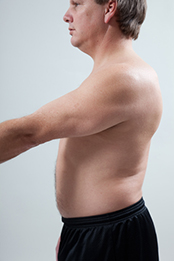
Scenario:
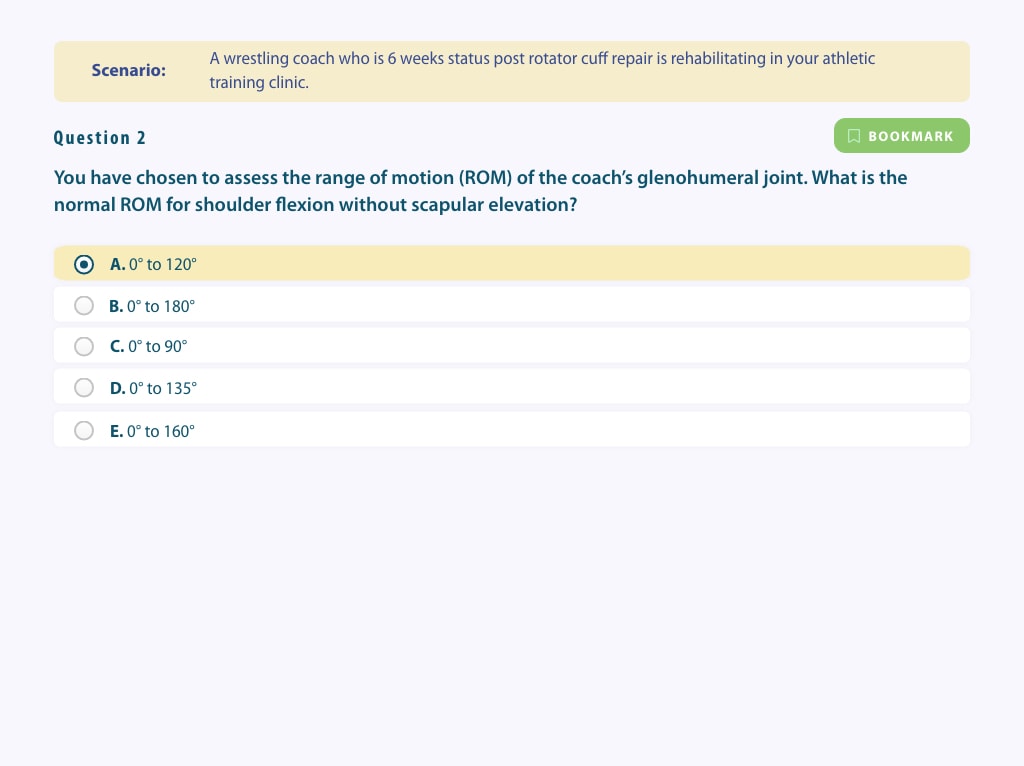
Question 2
0° to 120°
0° to 180°
0° to 90°
0° to 135°
0° to 160°
Scenario:
Question 3
Select all that apply.
Biceps brachii
Coracobrachialis
Anterior deltoid
Middle deltoid
Pectoralis major
Latissimus dorsi
Posterior deltoid
Triceps brachii
Scenario:
Question 4
First, use your mouse to select the stationary arm from the toolbar. Only one item can be selected. Second, drag your mouse on the photo to indicate the location where the stationary arm should be placed. You may reposition the tool until you are satisfied with its placement. When you are satisfied with placement of the stationary arm, click the SUBMIT RESPONSE button to submit the question for scoring.

Scenario:
Question 5
First, use your mouse to select the moving arm from the toolbar. Only one item can be selected. Second, drag your mouse on the photo to indicate the location where the moving arm should be placed. You may reposition the tool until you are satisfied with its placement. When you are satisfied with placement of the moving arm, click the SUBMIT RESPONSE button to submit the question for scoring.
Scenario:
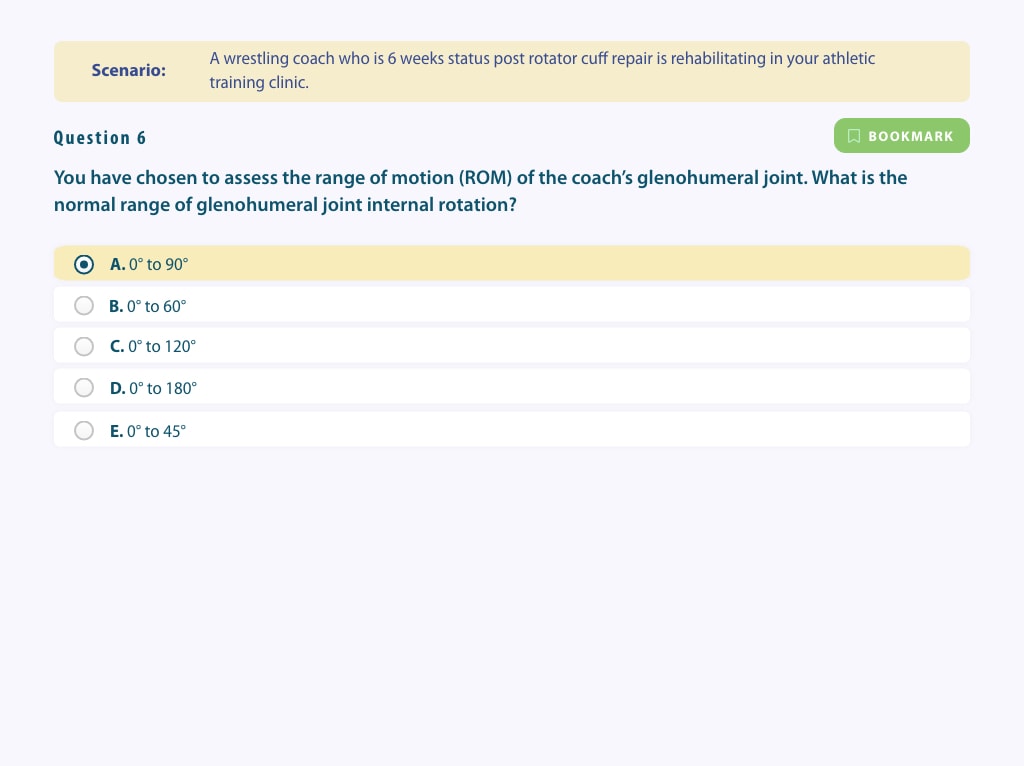
Question 6
0° to 90°
0° to 60°
0° to 120°
0° to 180°
0° to 45°
Scenario:
Question 7
First, use your mouse to select the stationary arm from the toolbar. Only one item can be selected. Second, drag your mouse on the photo to indicate the location where the stationary arm should be placed. You may reposition the tool until you are satisfied with its placement. When you are satisfied with placement of the stationary arm, click the SUBMIT RESPONSE button to submit the question for scoring.

Scenario:
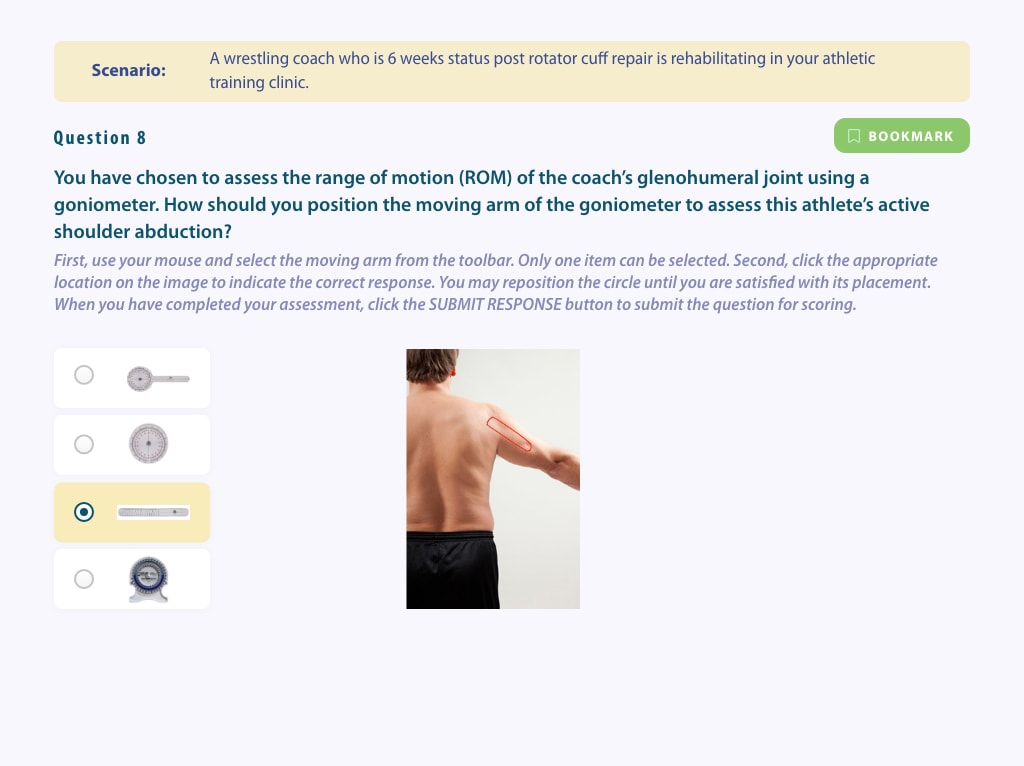
Question 8
First, use your mouse to select the moving arm from the toolbar. Only one item can be selected. Second, drag your mouse on the photo to indicate the location where the moving arm should be placed. You may reposition the tool until you are satisfied with its placement. When you are satisfied with placement of the moving arm, click the SUBMIT RESPONSE button to submit the question for scoring.
|
Question Number |
Your Score |
Possible Score |
Answer Key |
|---|---|---|---|
|
1 |
0 |
2 |
|
|
2 |
0 |
1 |
|
|
3 |
0 |
5 |
|
|
4 |
0 |
2 |
|
|
5 |
0 |
2 |
|
|
6 |
0 |
1 |
|
|
7 |
0 |
2 |
|
|
8 |
0 |
2 |
|
|
Total Points |
0 |
17 |
|
|
Percentage |
|
||